Stop Building Admin Applications

Every developer has built some version of the same admin application. Users table, CRUD forms, list views, search, filters, auth, role management, a REST API. You know the drill. You scaffold the project, wire up the endpoints, build the forms, handle validation, add pagination, implement auth — and a week later you have something that looks like every other admin app.
What if you could skip all of that and just describe what you need?
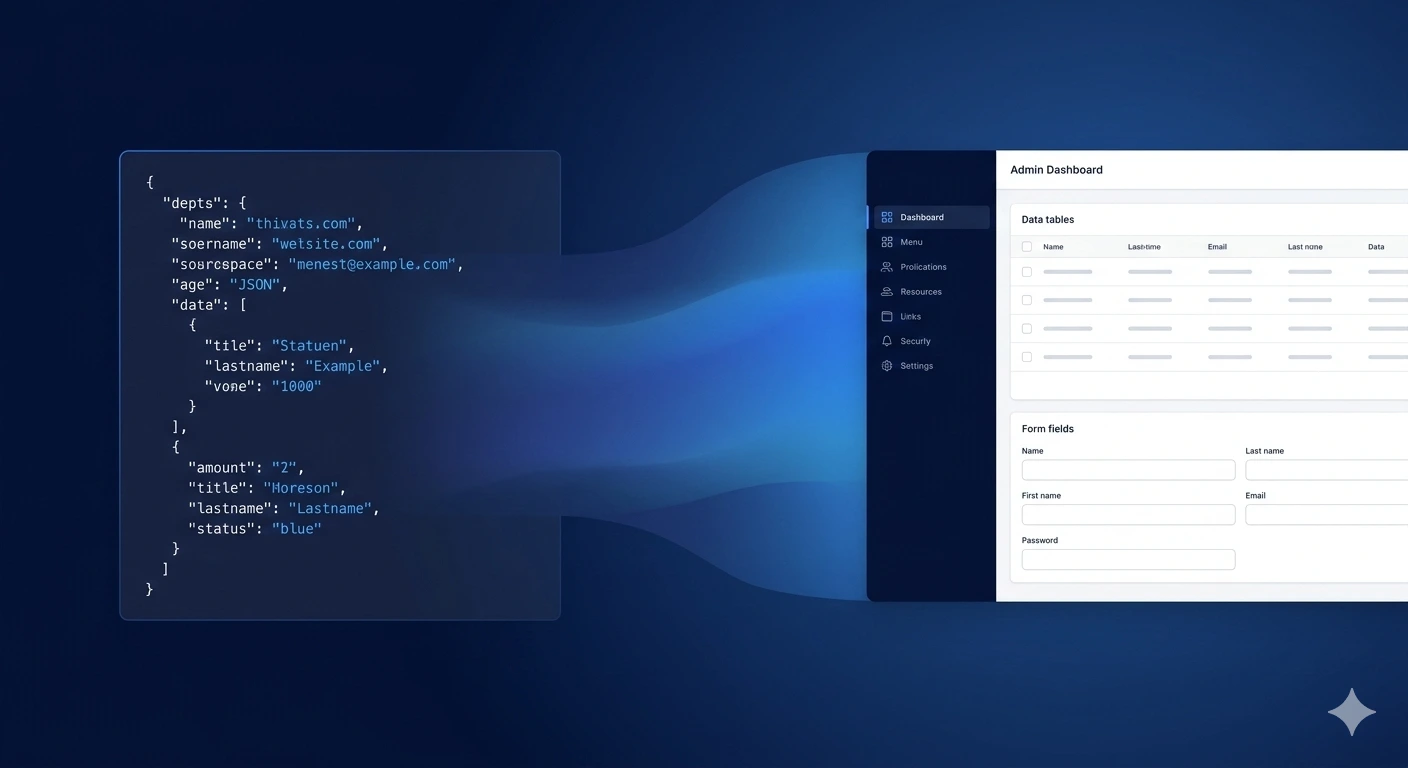
See the below example screenshots of the default admin app generated from a json datamodel:
One JSON Schema. Full-Stack App.
The React Admin Dashboard template for Codehooks.io takes a fundamentally different approach. Instead of writing components, routes, and API endpoints, you define your entire application in a single JSON file — your collections, field types, relationships, validation rules, and UI behavior. The template reads that schema at runtime and generates everything: the sidebar navigation, list views, search and filters, detail pages, create/edit forms, lookup fields with live search, file uploads, and a complete REST API with Swagger docs.
It's not code generation. There are no files to maintain. The UI renders dynamically from the schema stored in the database. Change a field, add a collection, reconfigure a relationship — it takes effect immediately. No rebuild, no redeploy.
The Schema Format AI Agents Already Understand
Here's where it gets interesting. The datamodel format uses an OpenAPI-style JSON structure — standard JSON Schema conventions that every major AI model has been trained on extensively. That means Claude, ChatGPT, Gemini, or any other AI agent can produce valid schemas on the first try.
A collection definition looks like this:
{
  "app": {
    "title": "Veterinary Clinic",
    "subtitle": "Manage patients, appointments, and treatments",
    "icon": "heart-pulse"
  },
  "collections": {
    "patients": {
      "label": "Patients",
      "icon": "paw-print",
      "schema": {
        "type": "object",
        "required": ["name", "species"],
        "properties": {
          "name": { "type": "string", "title": "Pet Name" },
          "species": {
            "type": "string",
            "title": "Species",
            "enum": ["Dog", "Cat", "Bird", "Reptile", "Other"]
          },
          "breed": { "type": "string", "title": "Breed" },
          "owner": {
            "type": "string",
            "title": "Owner",
            "format": "lookup",
            "collection": "owners",
            "displayField": "name"
          },
          "dateOfBirth": { "type": "string", "title": "Date of Birth", "format": "date" },
          "photo": { "type": "string", "title": "Photo", "format": "file-upload" }
        }
      }
    }
  }
}
Standard JSON Schema properties (type, enum, required, format) plus a handful of extensions for relationships (format: "lookup") and UI behavior. If you've ever written an OpenAPI schema definition or used JSON Schema for form validation, this will feel immediately familiar.
The AI Workflow: Prompt → Schema → App
The template ships with a built-in "Copy Prompt" button on the Datamodel Editor page. Click it, and you get a carefully crafted prompt that explains the entire schema format to an AI agent — every field type, relationship pattern, validation option, and UI configuration. Paste it into your AI of choice, describe what you need in plain language, and you get back valid JSON.
Here's the workflow:
- Deploy the template — one command gets you a running app with auth, a dashboard, and the visual editor
- Open the Datamodel Editor and click "Copy Prompt"
- Paste into any AI agent and describe your application: "I need a CRM with companies, contacts, deals, and activities. Deals should have a pipeline with stages from Lead to Closed Won. Contacts belong to companies. Activities log calls, emails, and meetings linked to contacts and deals."
- Copy the AI's JSON output into the editor
- Hit Save — your CRM is live. Full CRUD, relationships, search, filters, REST API, Swagger docs. Done.
No code written. No components built. No API endpoints configured.
What You Get Out of the Box
This isn't a toy demo. The template generates a production-grade admin interface:
Dynamic CRUD — List views with column sorting, full-text search, and filter buttons. Detail panels with related data from linked collections. Create/edit forms with proper validation, enum dropdowns, date pickers, markdown editors, and file uploads.
Relationships — Lookup fields with live search across collections (single-select and multi-select). Parent-child views on detail pages showing related records. Tree views for hierarchical data with expandable sub-items.
Authentication — JWT-based login with httpOnly cookie sessions. Two built-in roles (admin and user). User management UI. The sidebar dynamically hides admin-only sections.
Visual Datamodel Editor — Add, remove, and configure collections and fields through a form-based UI. Switch to a JSON tab with syntax highlighting for power users. Full version history with one-click rollback.
REST API + Swagger — Every collection automatically gets a complete CRUD API. The OpenAPI documentation at /docs updates dynamically when you change the schema. No code generation, no sync issues.
Modern UI — React 18 with Vite, Tailwind CSS v4, and shadcn/ui components. Dark mode with system preference support. Responsive layout with a collapsible sidebar that works on mobile.
The Swiss Army Knife for Admin Apps
The reason I call this a Swiss army knife is that the same template handles wildly different use cases just by swapping the JSON:
Project management — tasks, milestones, team members, time tracking with status pipelines
CRM — companies, contacts, deals, activities with lookup relationships across collections
Inventory system — products, categories, suppliers, purchase orders with file uploads for product images
Content management — articles, authors, categories, tags with markdown editing and status workflows
Hackathon platform — events, participants, teams, submissions, judges, scores with cross-linked detail views
Each of these is a different datamodel.json. Same template, same codebase, same deployment process. The schema is the application.
Getting Started
npm i -g codehooks
coho login
coho create myapp --template react-admin-dashboard
cd myapp && mv config.json backend
coho set-env JWT_ACCESS_TOKEN_SECRET $(openssl rand -hex 32)
coho set-env JWT_REFRESH_TOKEN_SECRET $(openssl rand -hex 32)
npm run install:all
npm run deploy
That's it. You have a running admin dashboard. Log in with admin / admin, open the Datamodel Editor, and start building.
Or skip the manual editing entirely — copy the prompt, tell an AI what you need, paste the JSON, and your app is live.
What's Next
The template is open source and actively developed. Some directions we're exploring:
- Clerk authentication — plug in Clerk for a complete, production-ready auth experience with social logins, MFA, and user management
- Headless CMS mode — use the same datamodel to power static site generation with frameworks like Astro
- Custom views and dashboards — extend beyond CRUD with configurable dashboard widgets
- Workflow automation — trigger serverless functions on record changes, integrate with queues and cron jobs via Codehooks.io
The full source code is on GitHub: react-admin-dashboard
If you've ever spent a week building an admin app that could have been a JSON file, give this a try. Five minutes from coho create to a production app. No CRUD boilerplate. No auth plumbing. No form builders.
Describe what you need. Let AI write the schema. Ship it.
Built with Codehooks.io — the serverless backend platform designed for rapid development and AI workflows.